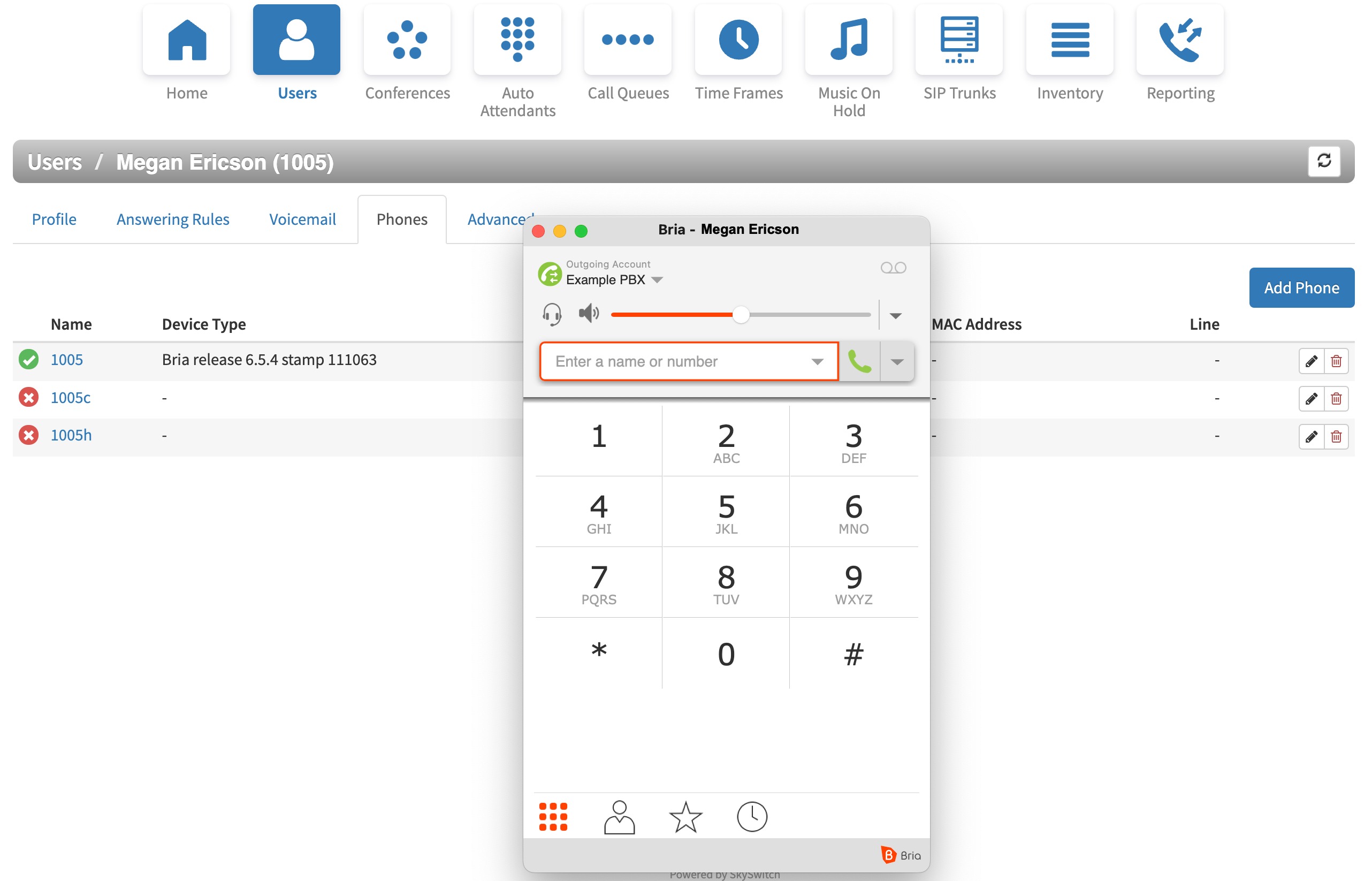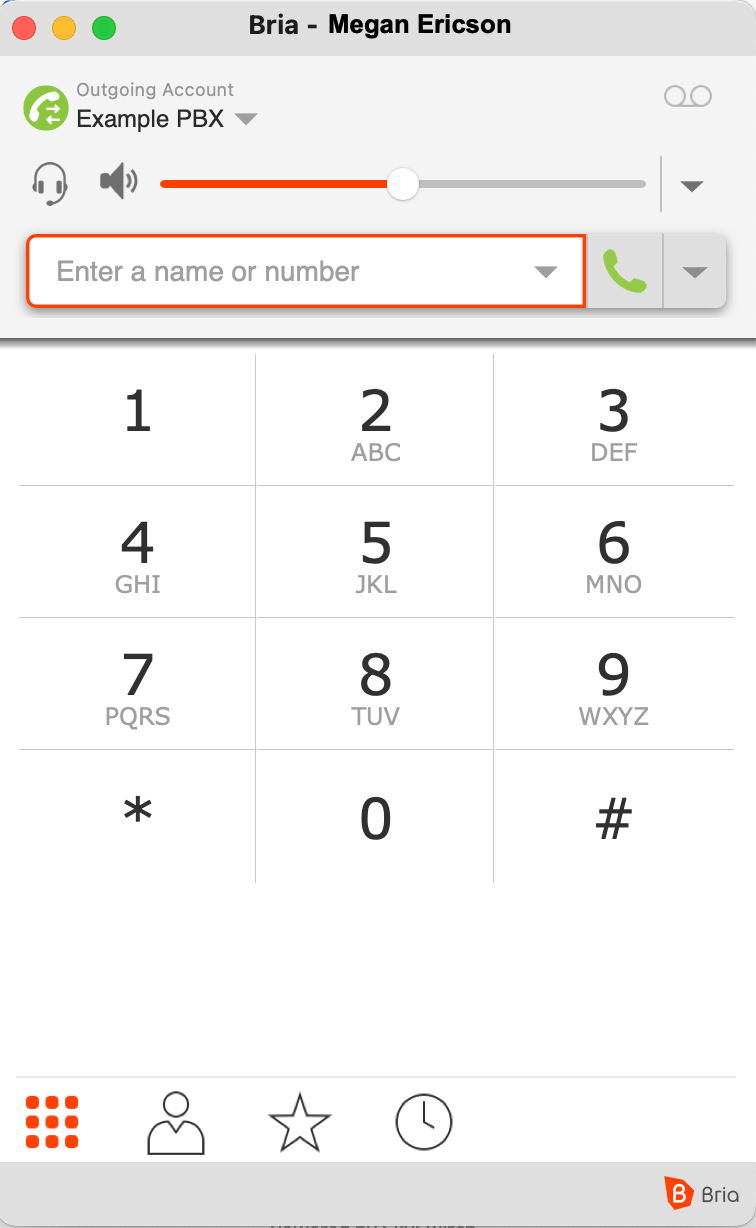
Bria is not an officially supported softphone, any Bria support should go through their company. SMS services will not function with Bria.
Bria configuration is done with their web service and is not directly in the application. The benefit of this configuration method is; that the user with the associated softphone account with Counterpath only needs to enter their Counterpath credentials in the various softphones across different operating systems.
Please note that this article is a continuation of our Generating SIP Credentials article.
Once you are logged into the Bria web administration portal, look for Voice configuration options.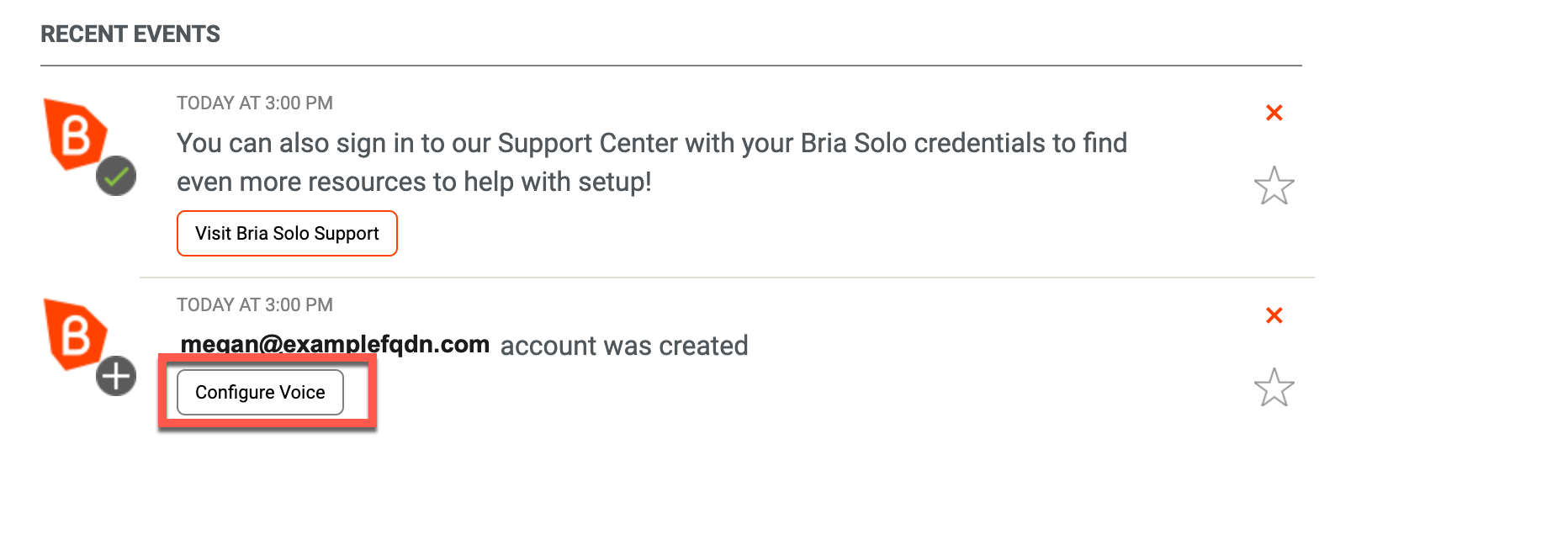
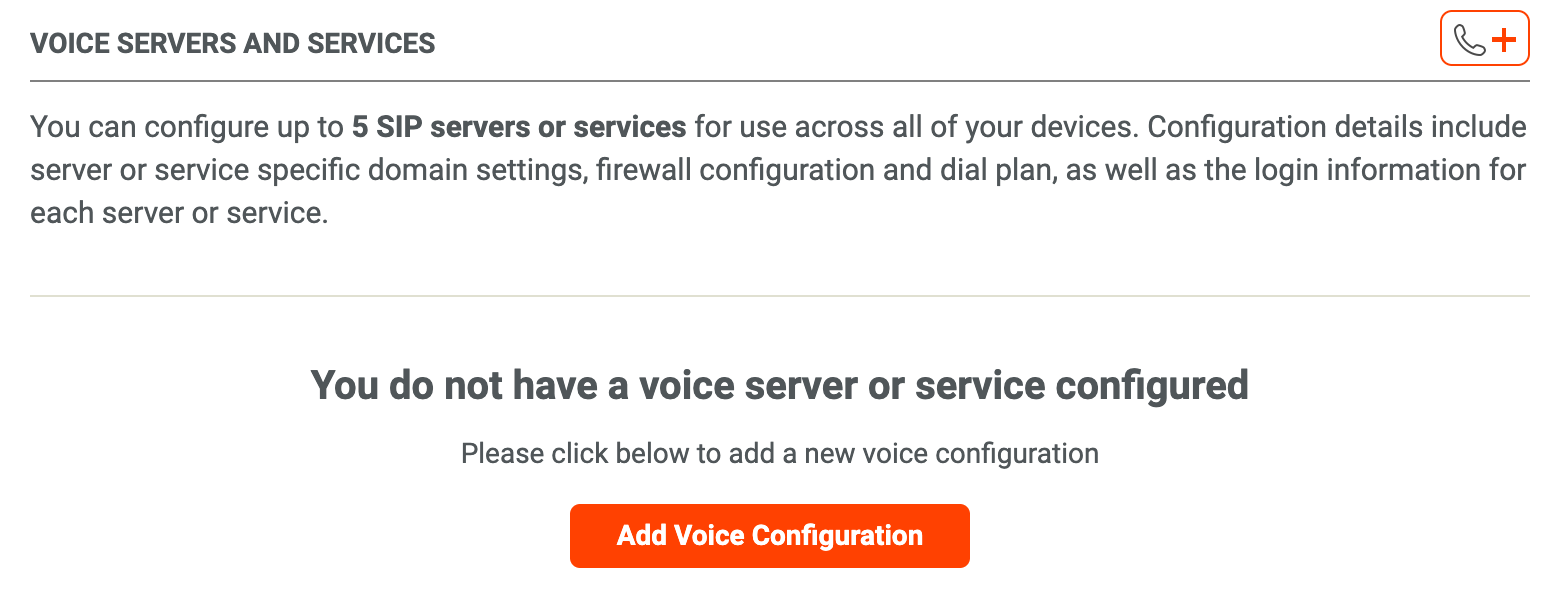
Then 'Add Voice Configuration'
When choosing an option for 'Set Up a Voice Account,' select the "Have your own PBX or SIP Server?" option.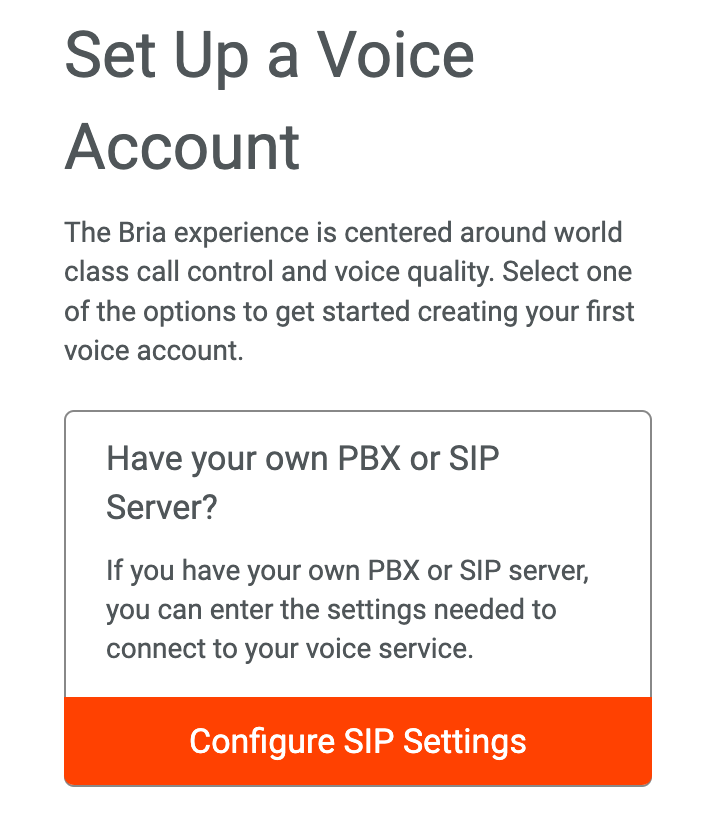
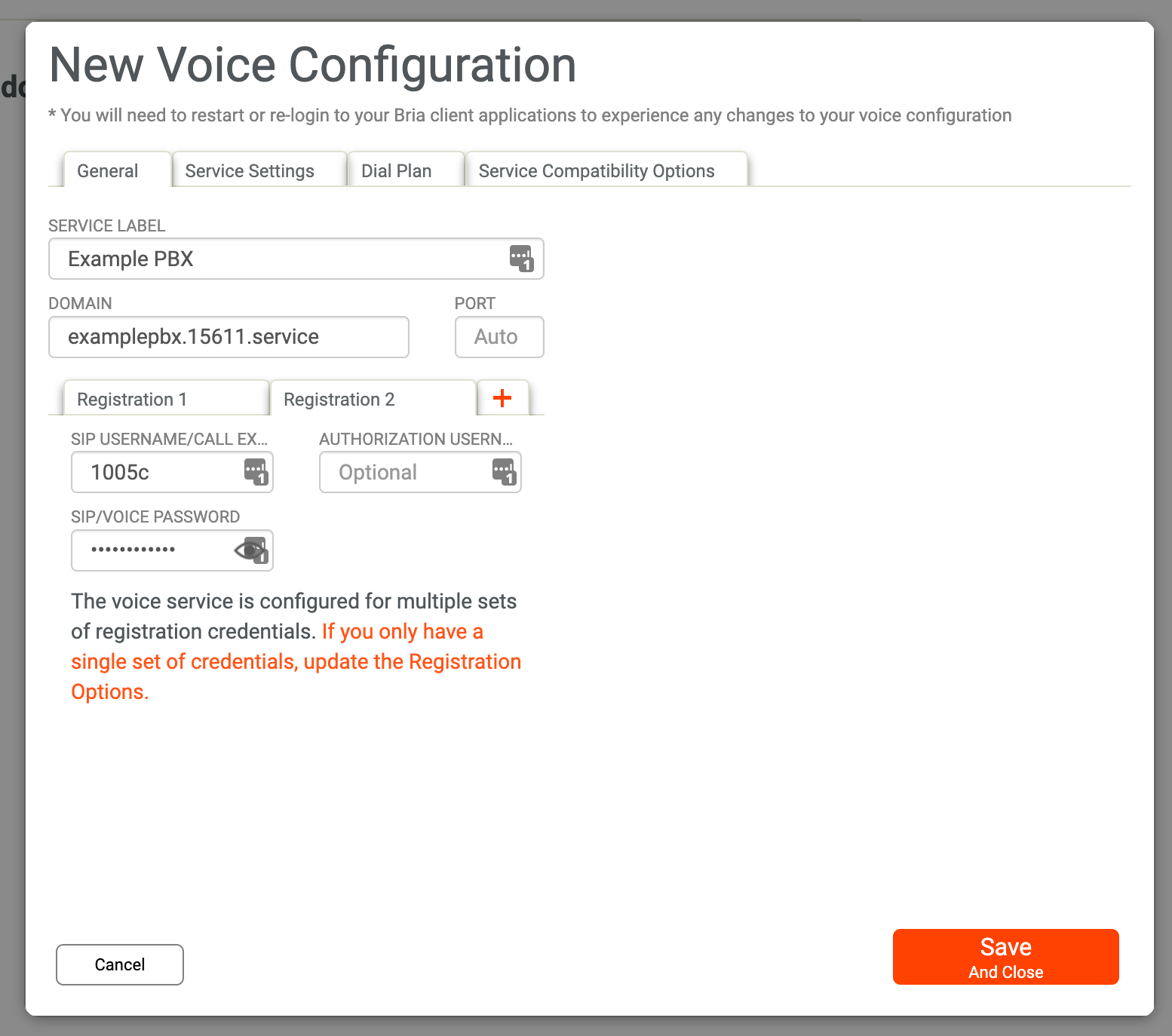
In Bria's voice configuration > General tab, populate the following fields:
| Bria Terminology | Sonictel PBX Terminology | Screenshot Example |
|---|---|---|
| Service Label | - | Example PBX |
| Domain | Domain/Proxy | examplepbx.15611.service |
| SIP Username/Call Exte | Username | 1005 |
| SIP/Voice Password | Password | fakepassword |
The 'Service Label' is just an account label used for the Bria Application. You may want to use the users extension, name, or the PBX name.
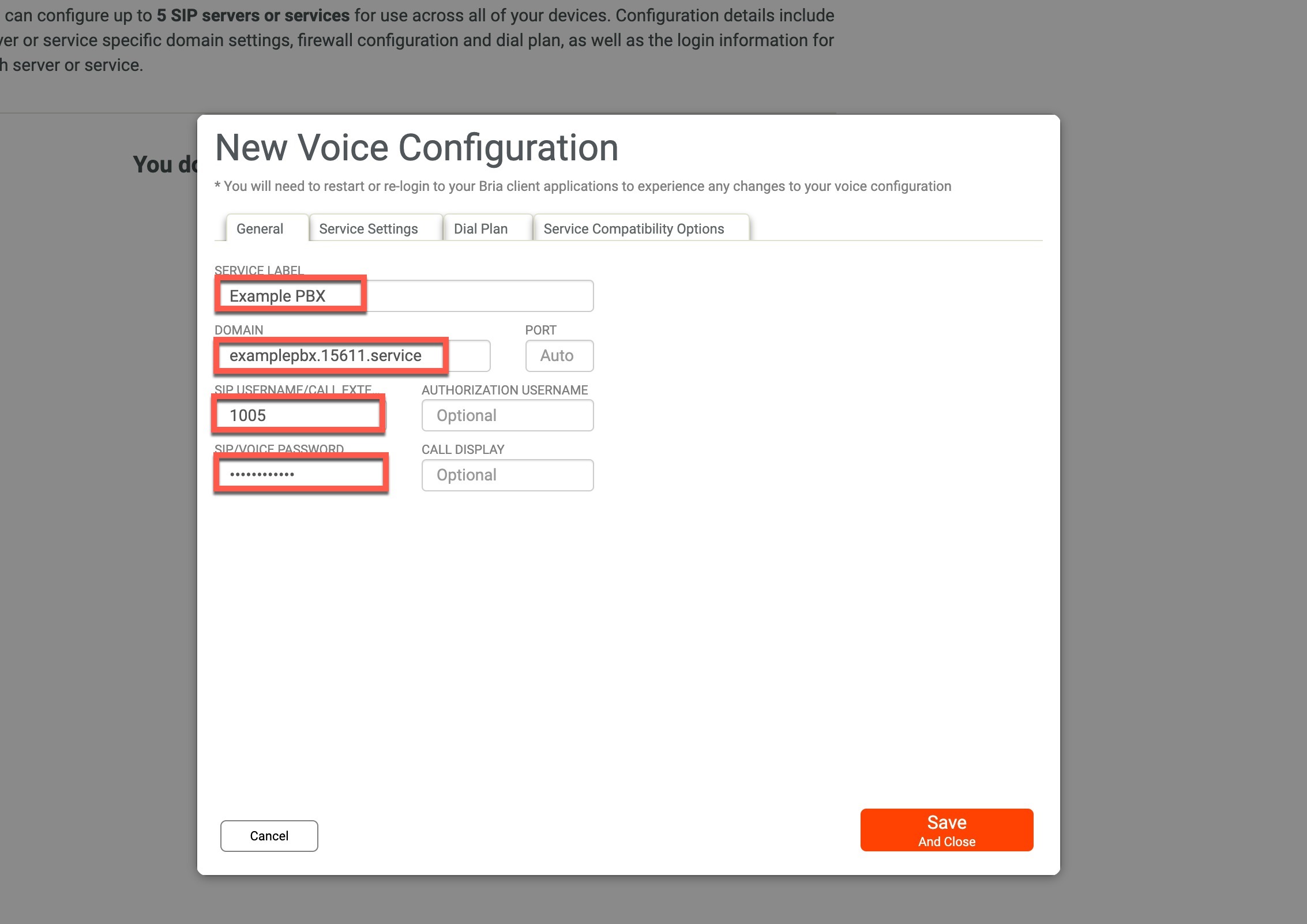 New Voice Configuration > General
In the Service Settings Tab, enter the following information:
| Bria Terminology | Sonictel PBX Terminology | Screenshot Example |
|---|---|---|
| SIP Proxy | Outbound Proxy | 15611.hpbx.outboundproxy.com |
- Register with domain and receive calls should be checked
- Keep alive should be disabled
- Voicemail Number: 5001
- Force outbound proxy on all requests should be checked.
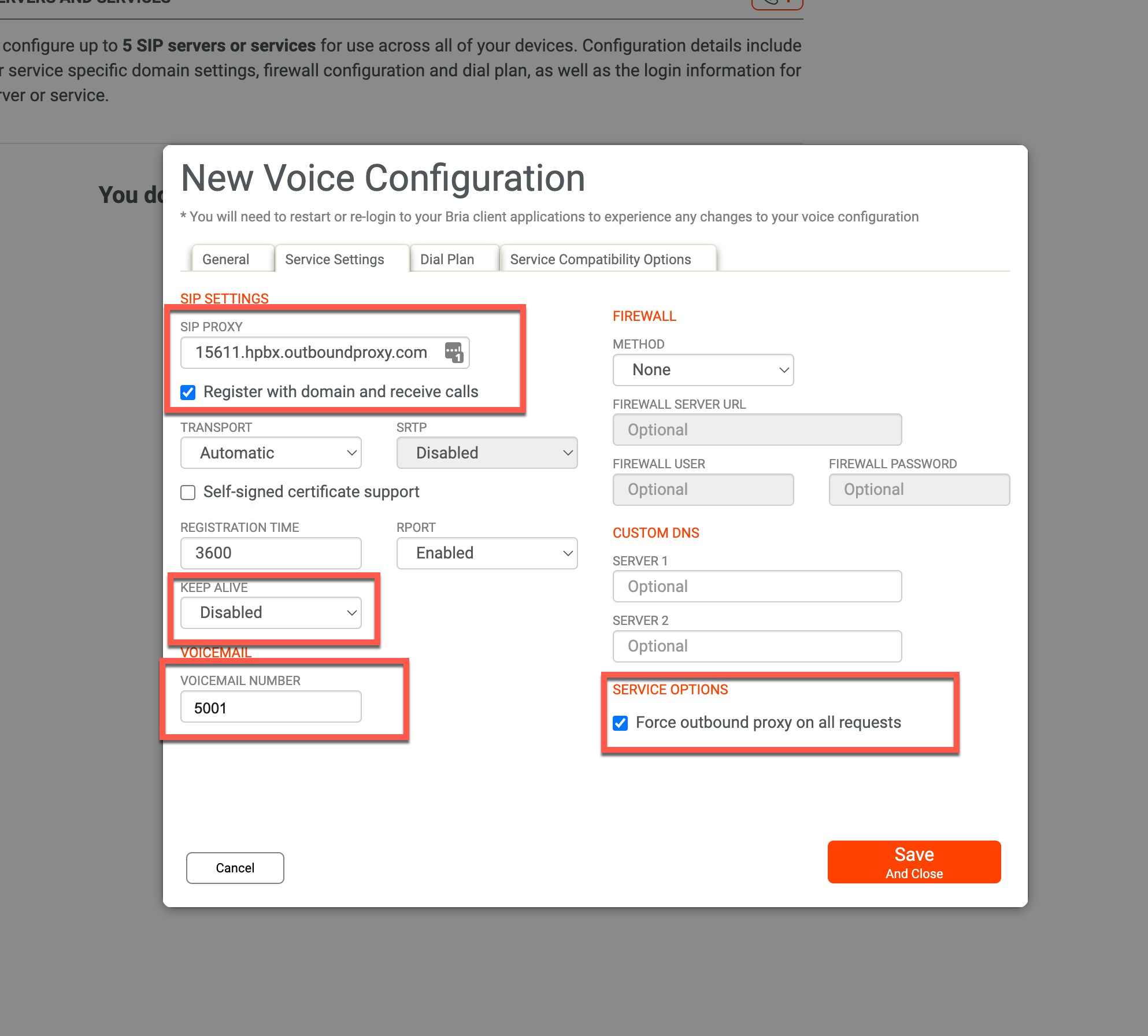 New Voice Configuration > Service Settings
If you plan to register multiple softphones (Computer app and Mobile Application) In the Service Compatibility Options, expand Advanced and check the boxes for the service requiring different usernames and passwords for each SIP registration.
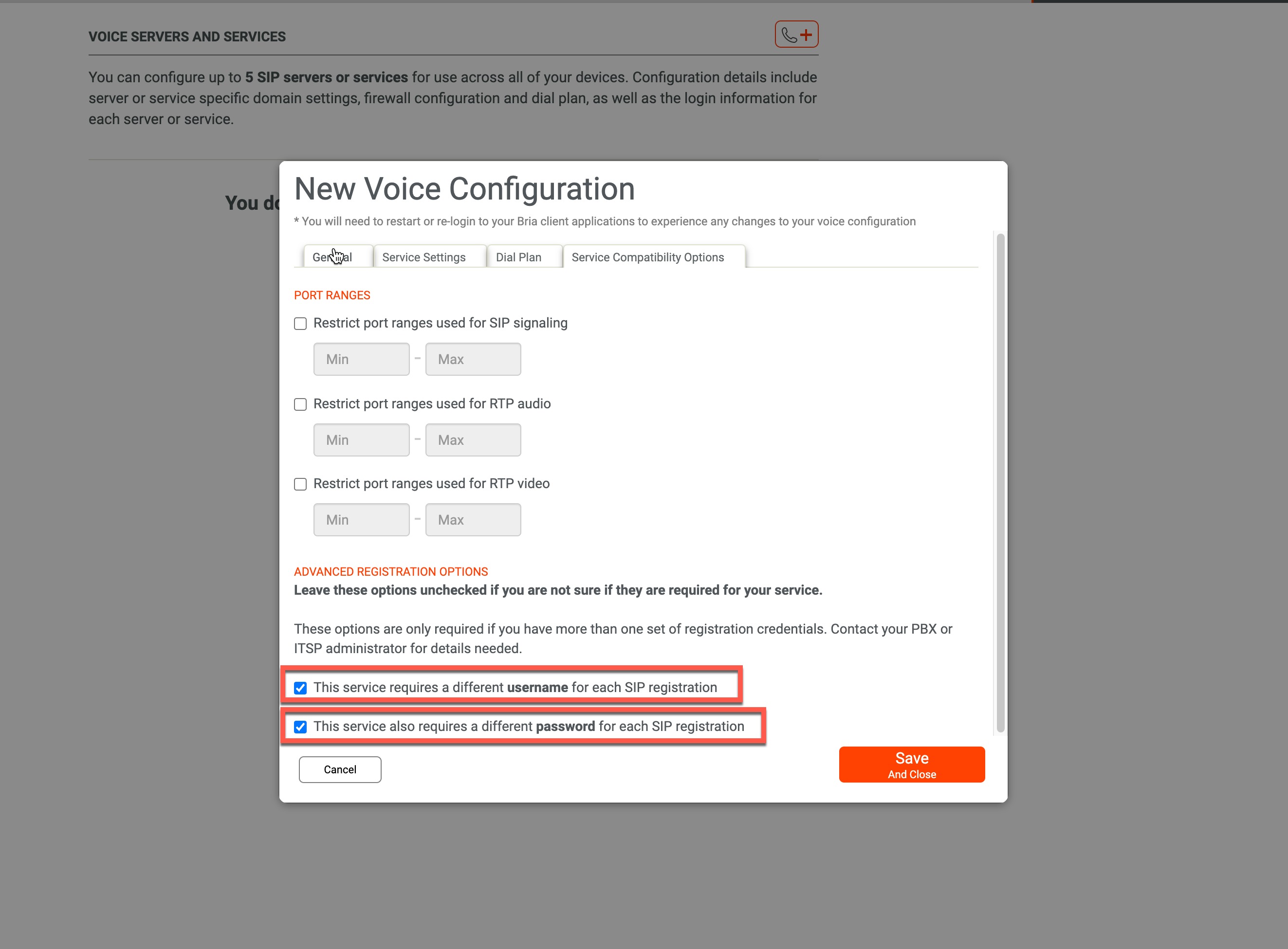
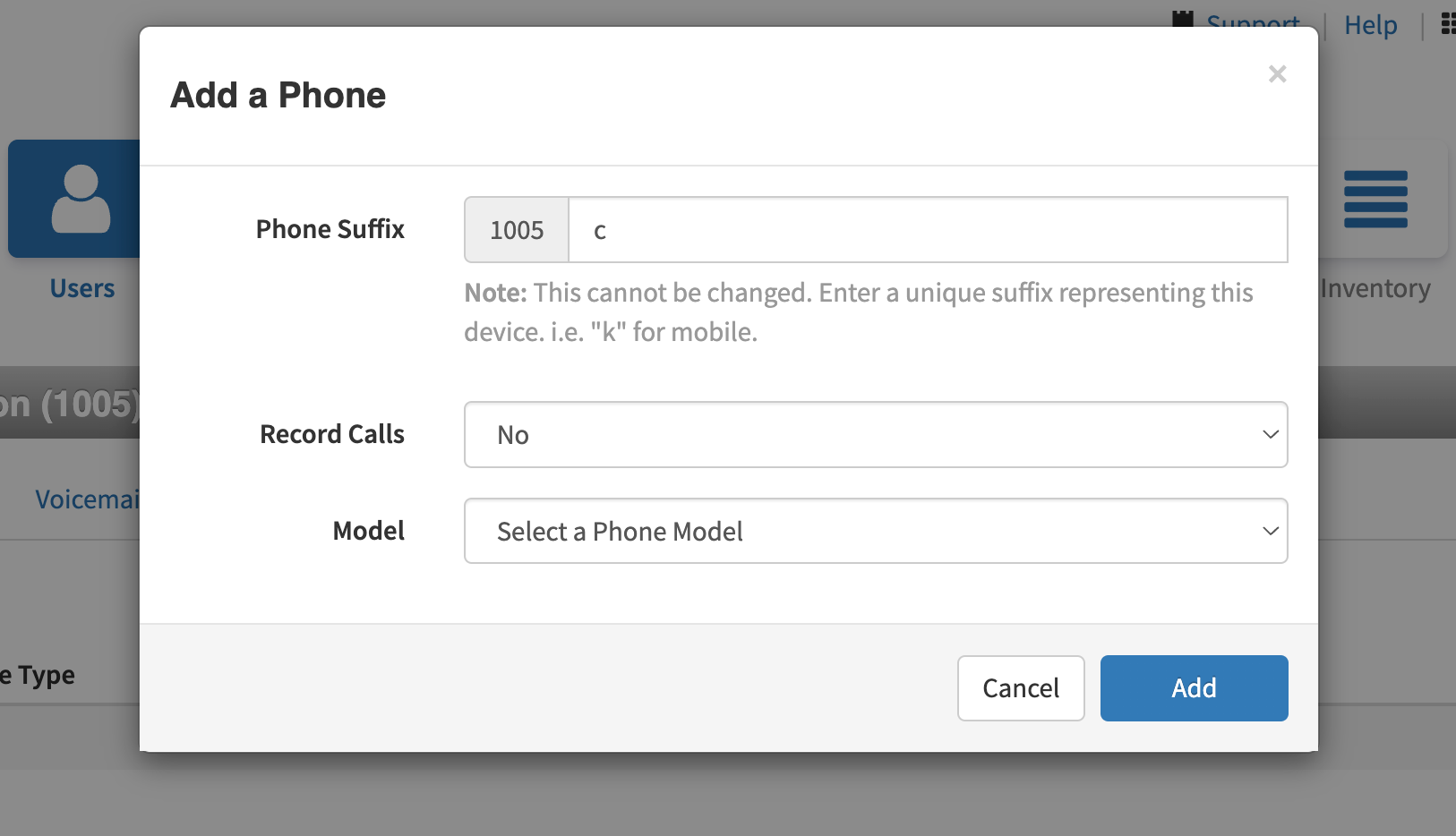
If you select these options, pressing 'Save' will allow you to set up more registrations. You must use different extension suffixes and passwords if the user will have multiple Bria registrations.
Download the Bria App and log in with their credentials. You should be registered and able to make calls.