“Recording your Robocall message”
First Go to the "App Store," search "Rode Reporter," and install it.
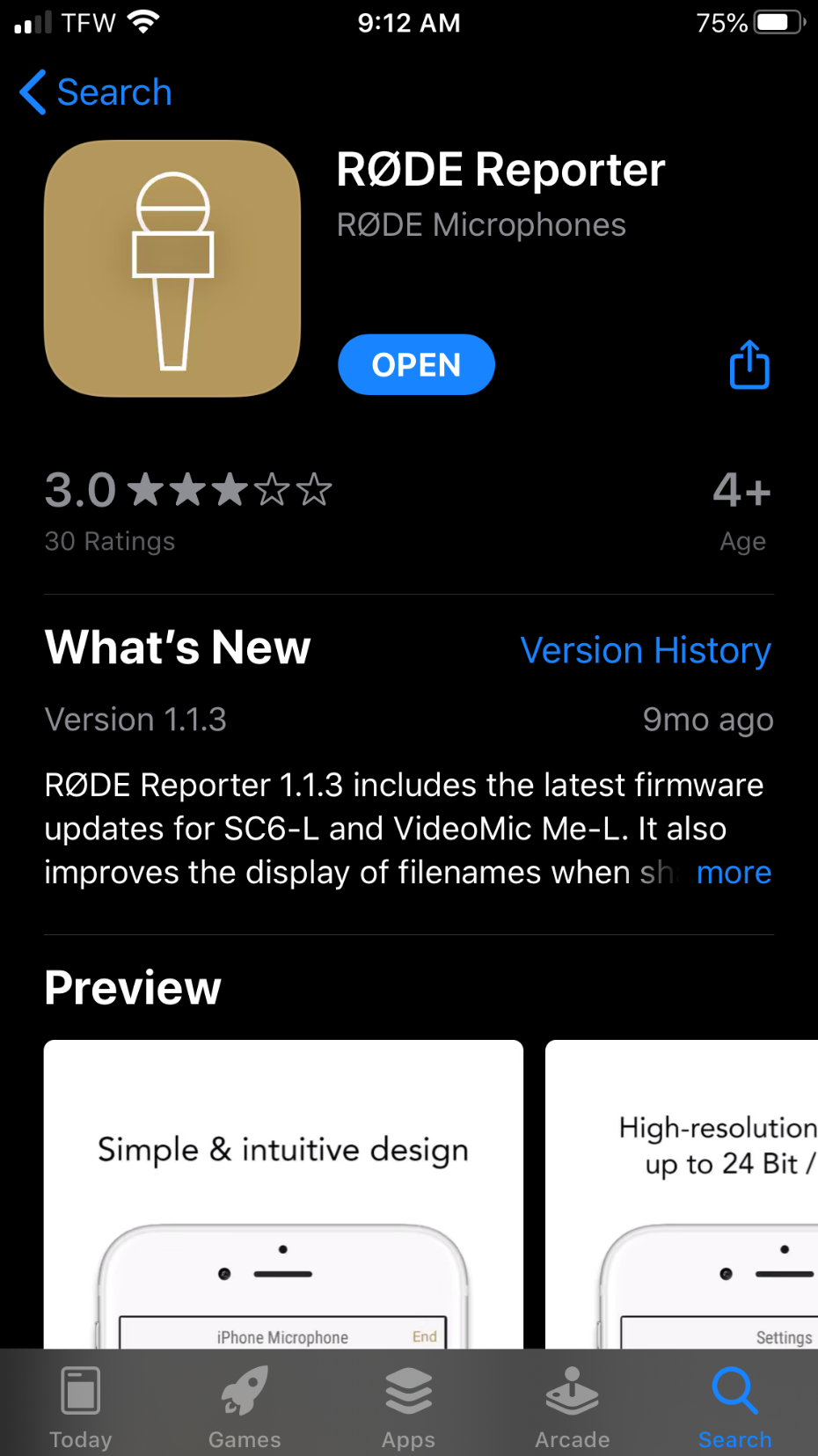
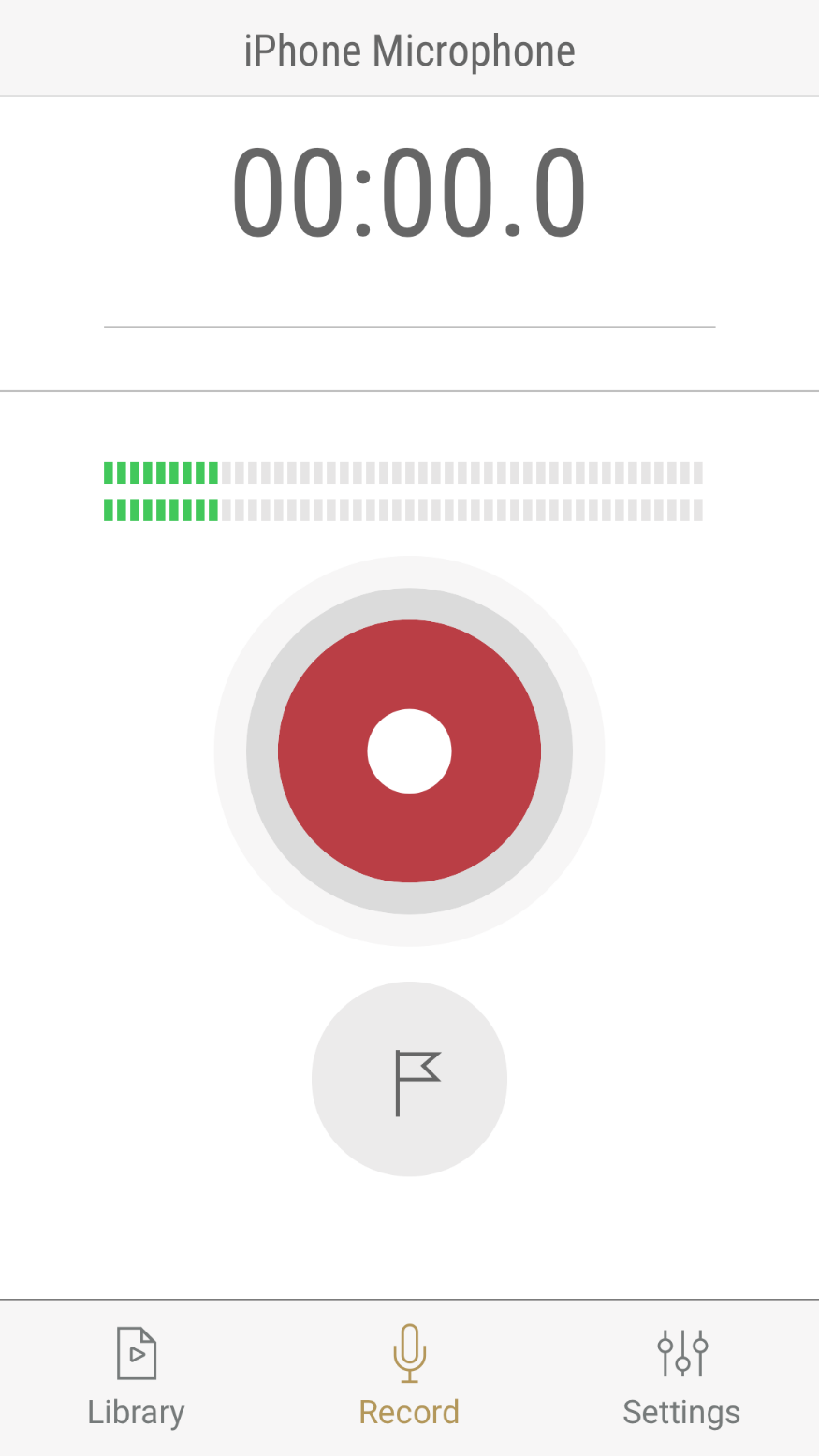
Next open the program, press the red button,
when you are ready to record your greeting and begin recording.
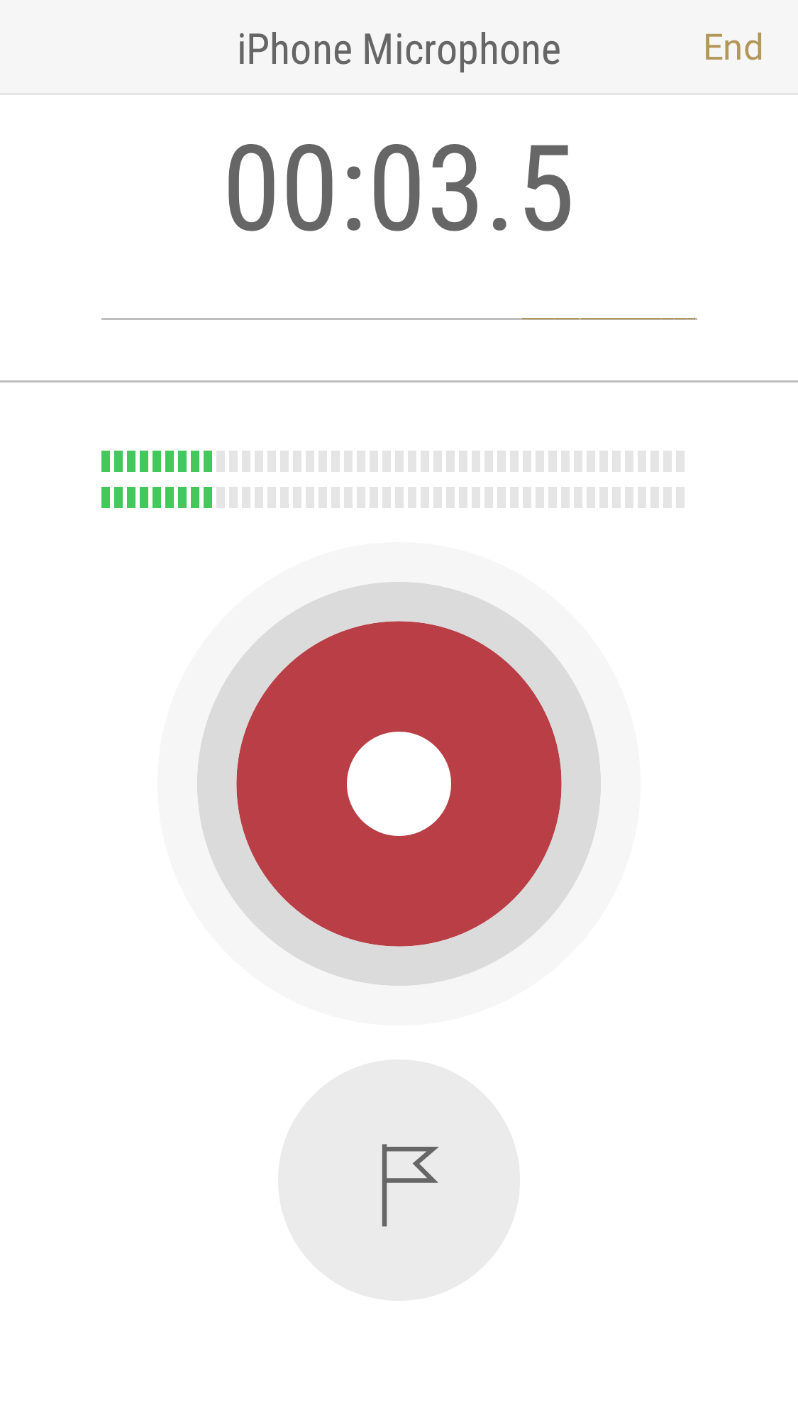
When done press the red button again,
and then press "end" In the top right corner.
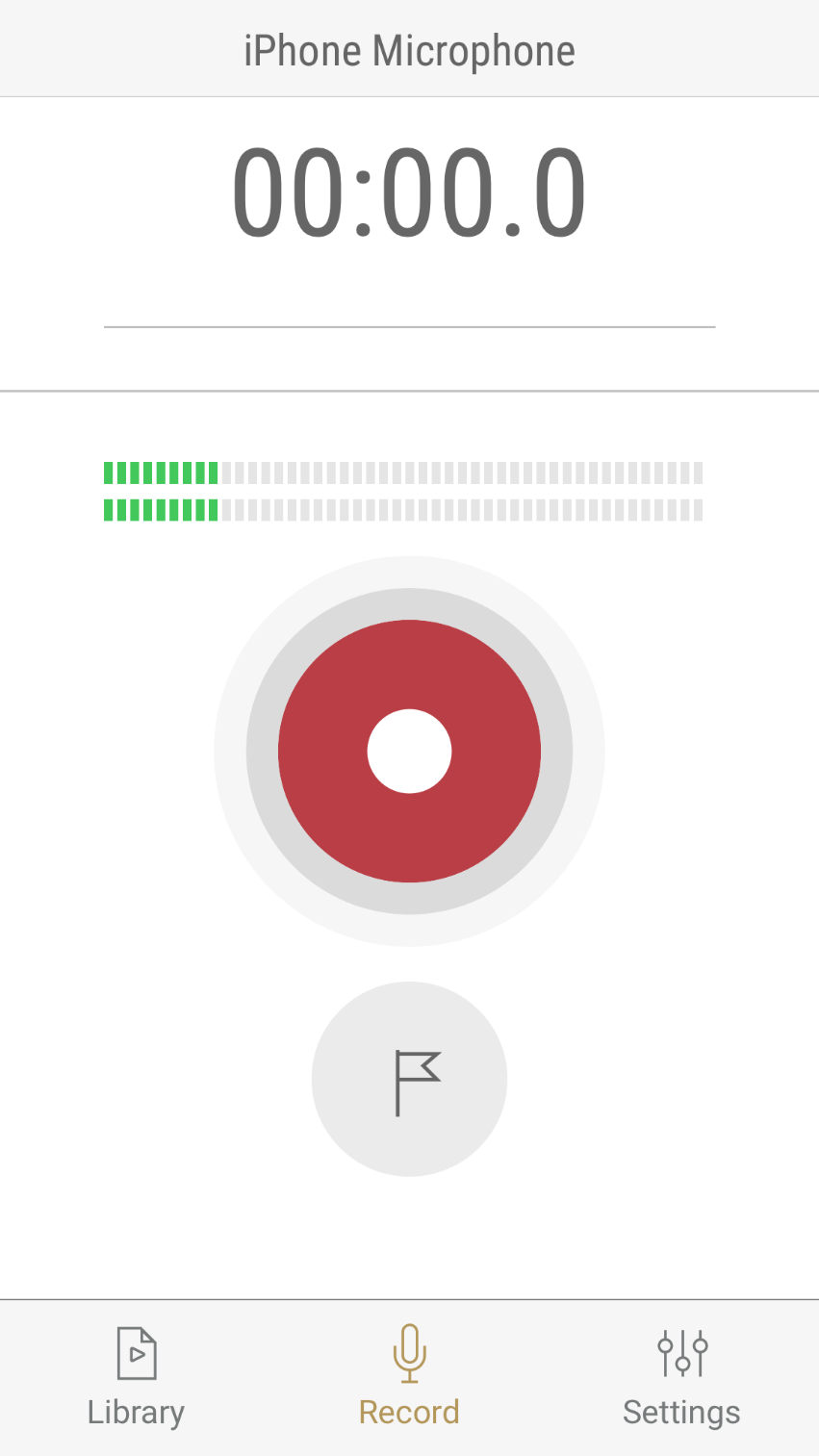
Next click Library in the bottom left corner.
This will display your recorded file.
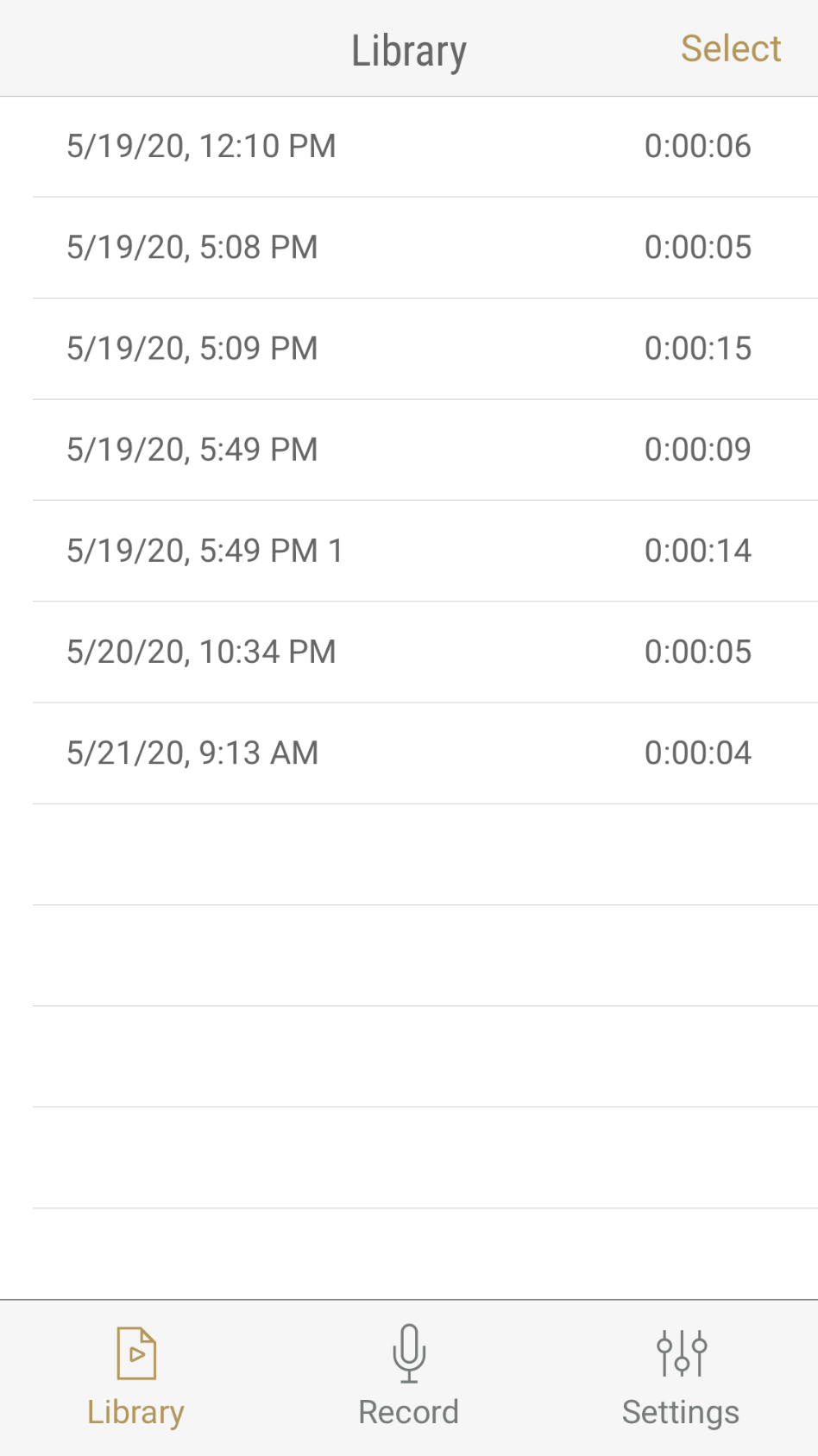
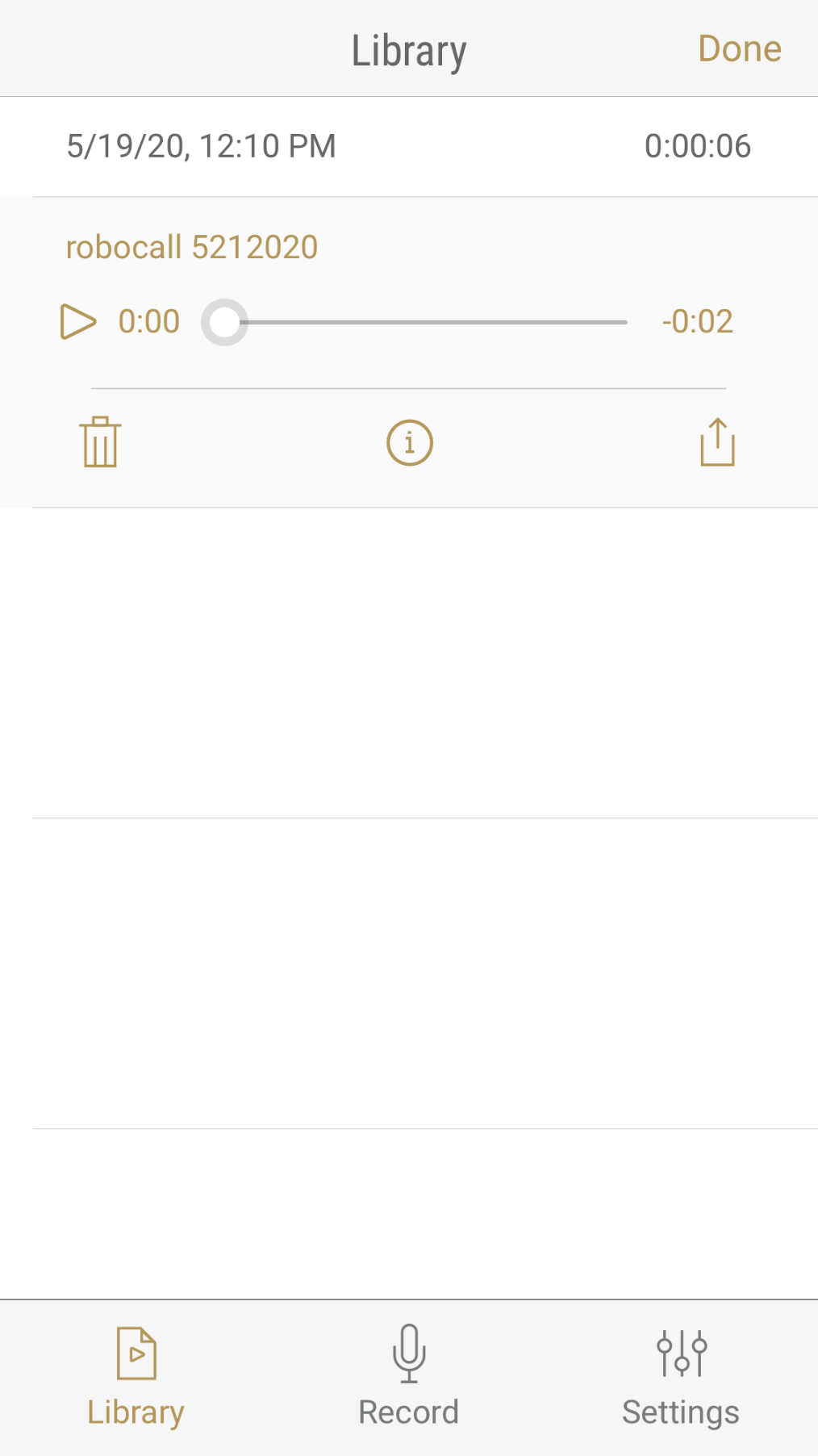
Click on the file you want and press the icon that looks like an “i” in a circle,
to bring up the naming menu.
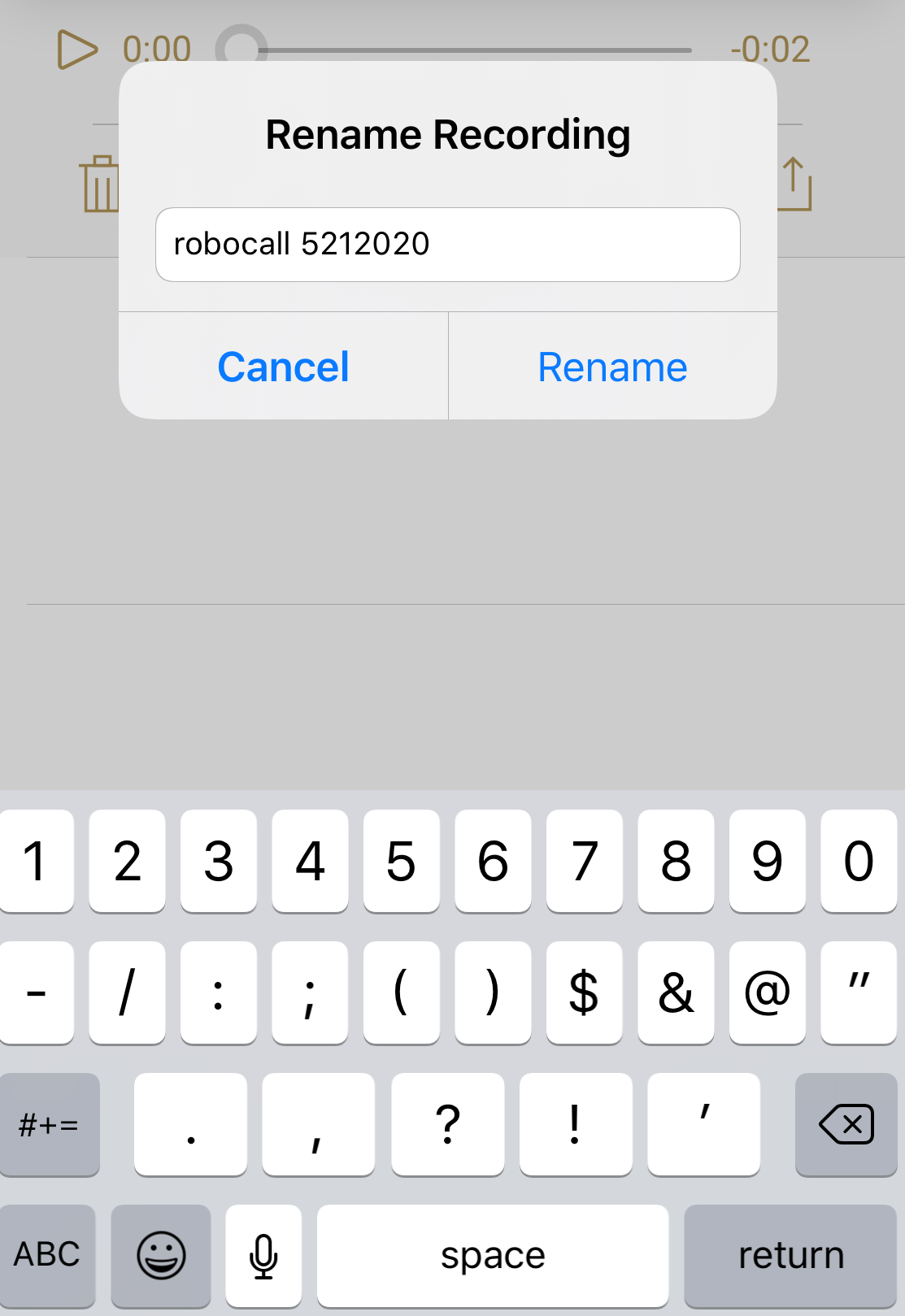
Rename it as robocall, and the date without spaces, and then click rename.
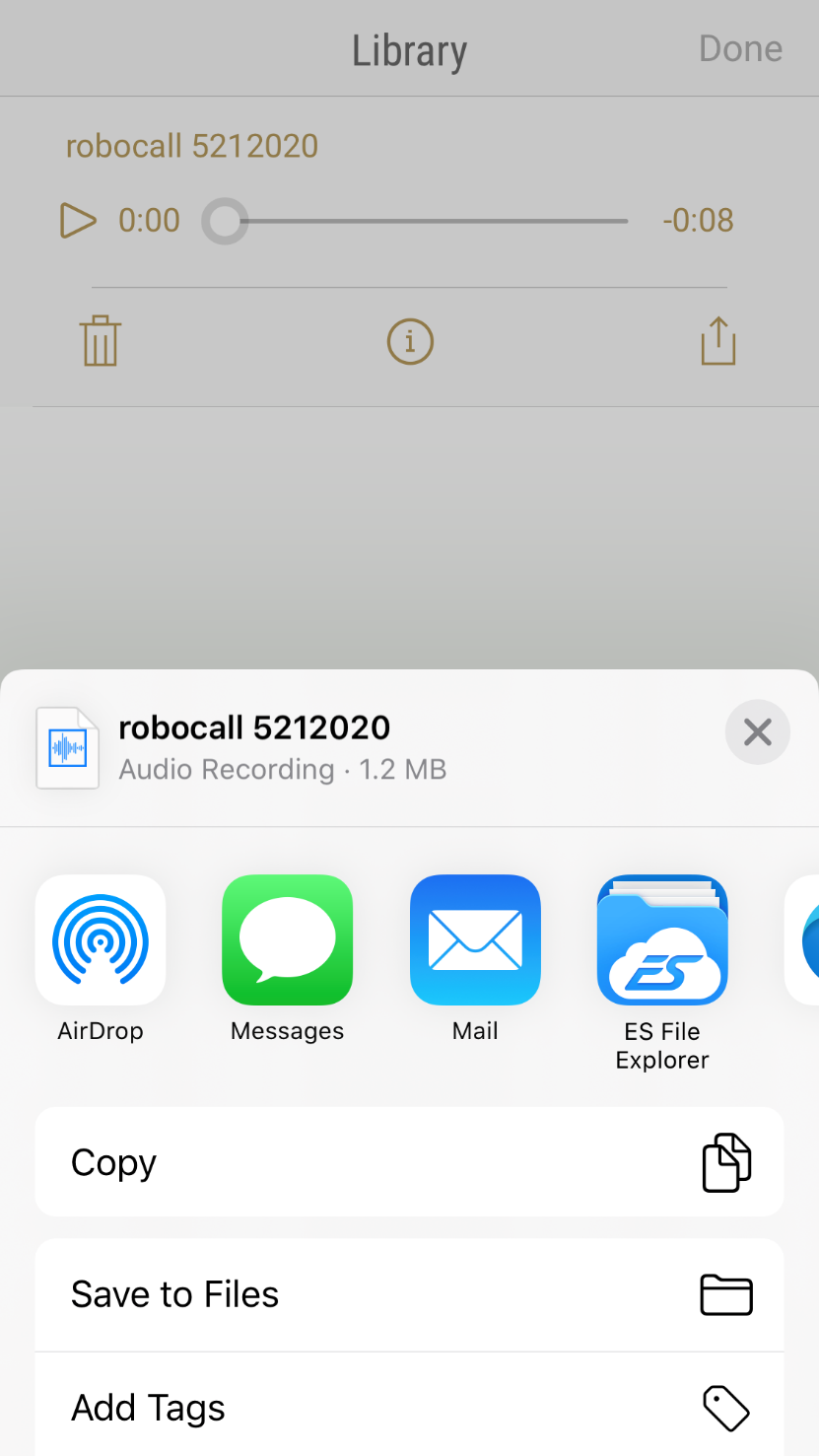
Now Click the Icon all the way to the righ with the up arrow.

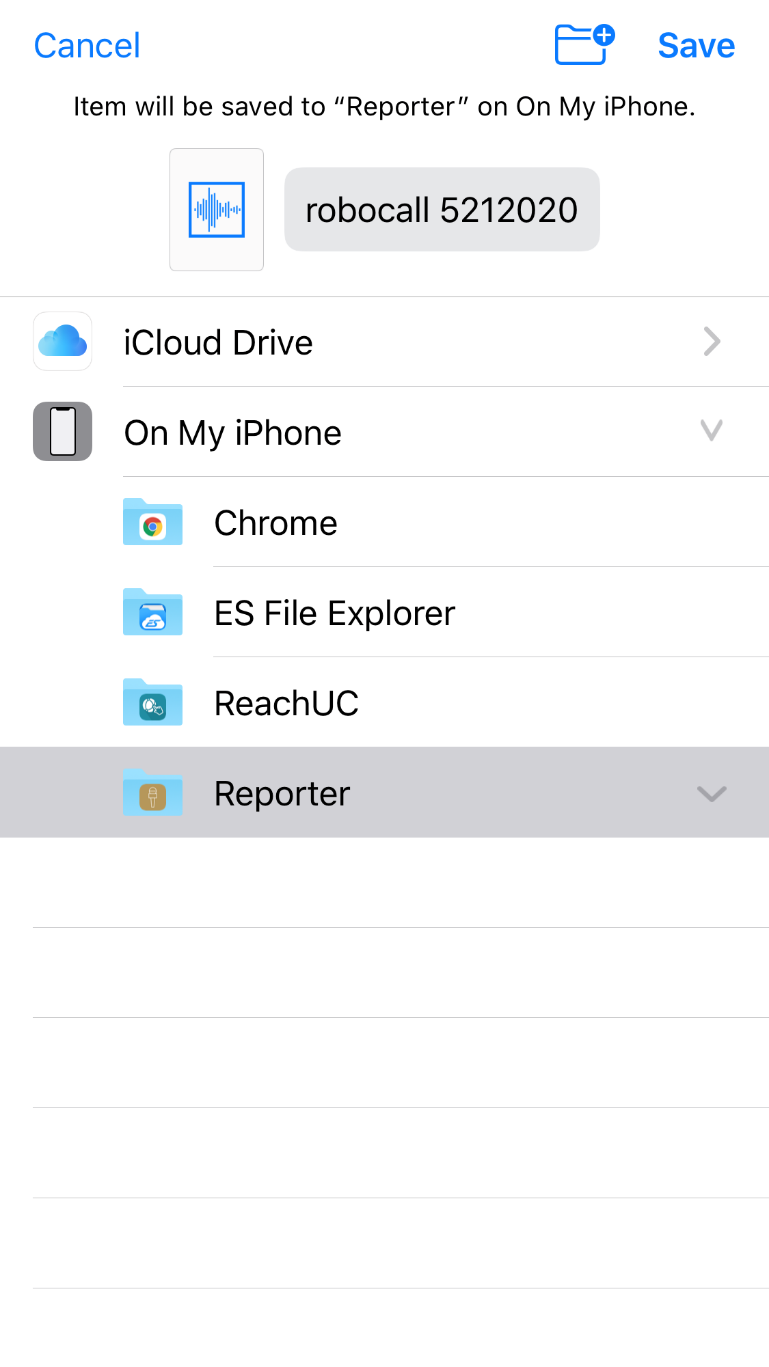
Next Click on “Save to Files.”
Then click on “Reporter,” and then “Save.”
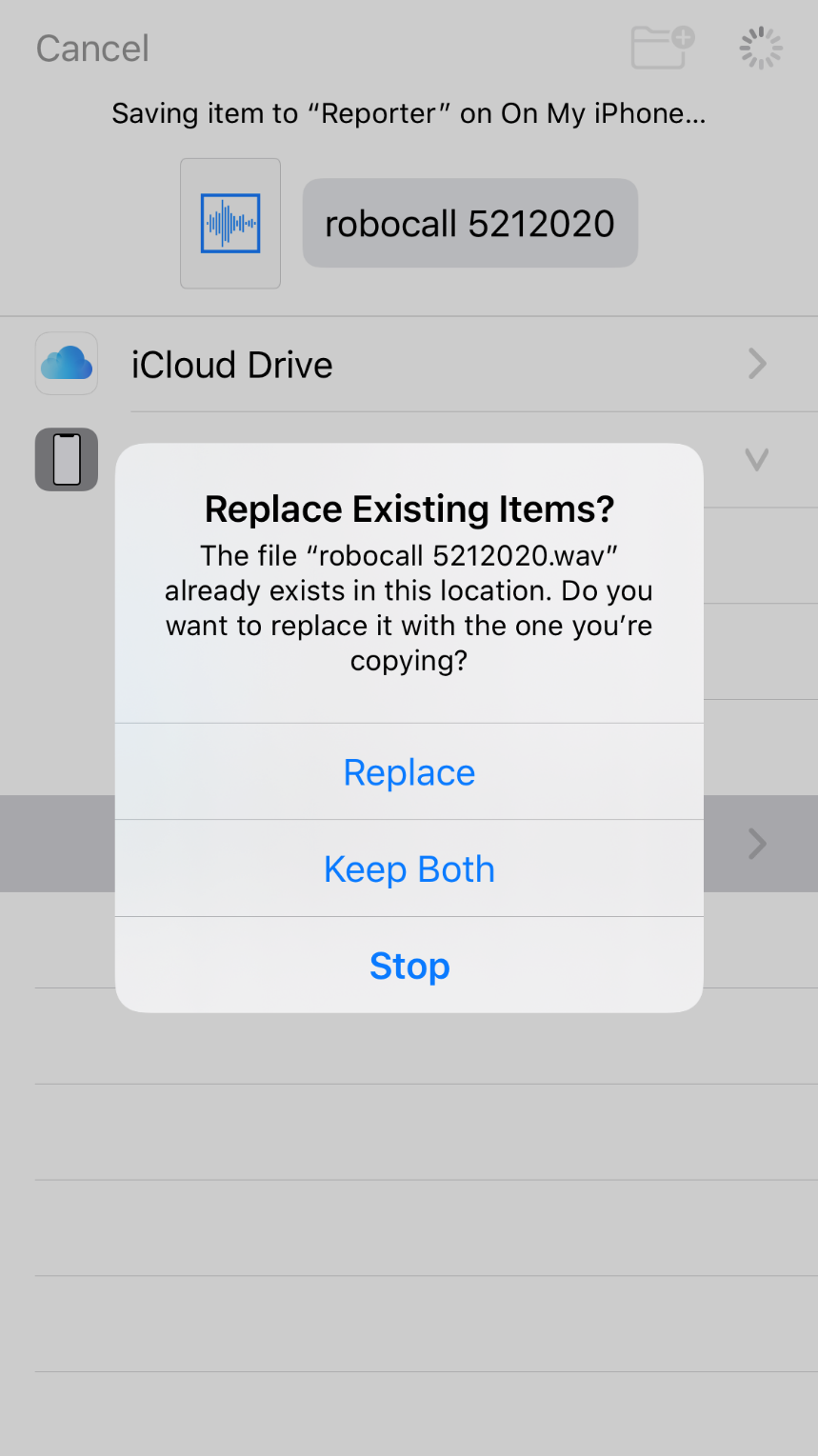
When the “Replace Existing Items?” pops up choose “Replace”
You are now done recording your robocall message.
Was this article helpful?
That’s Great!
Thank you for your feedback
Sorry! We couldn't be helpful
Thank you for your feedback
Feedback sent
We appreciate your effort and will try to fix the article