Sonictel Broadsoft Cisco UC One Carrier mobile App installation guide
1) In the ‘App Store’ or the ‘Google Play’ store, search for “UC-One Carrier Connect”
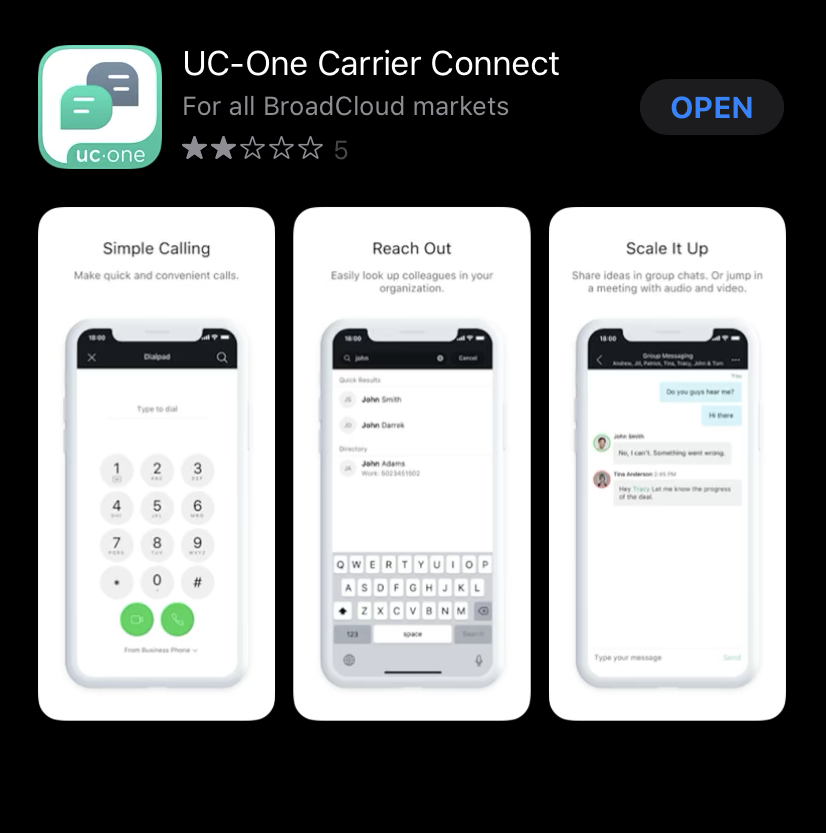
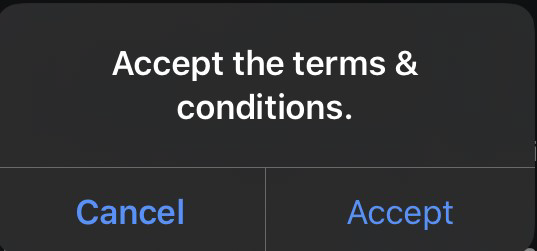
2) Once the app has been opened you will be prompted with the UC-One Connect License Agreement [Fig 2a]. Please read and accept the terms on of the agreement by scrolling to the bottom of this page [Fig 2b]. A popup box will appear, select ‘Accept’ once more [Fig 2c]
Figure 2A
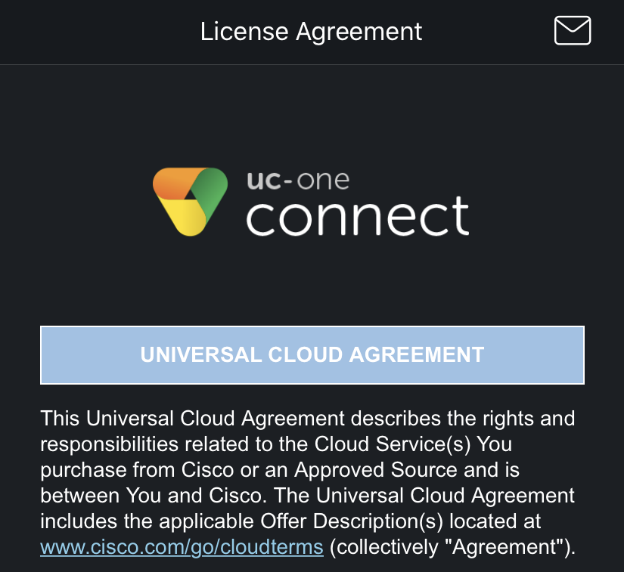
Figure 2B
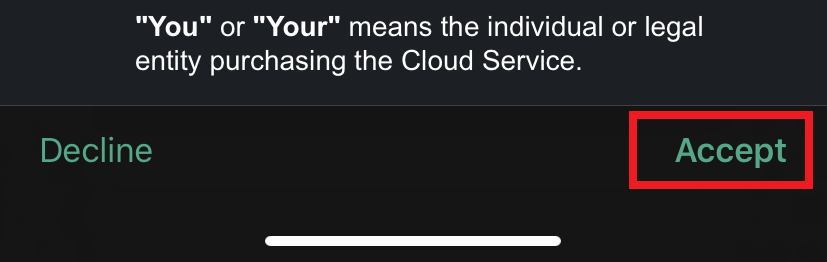
Figure 2C
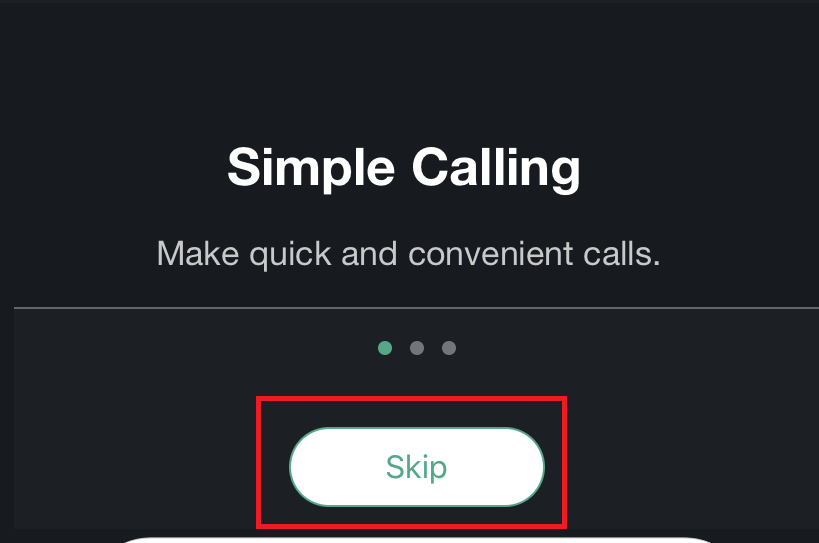
3) A tutorial page will appear which can be skipped:
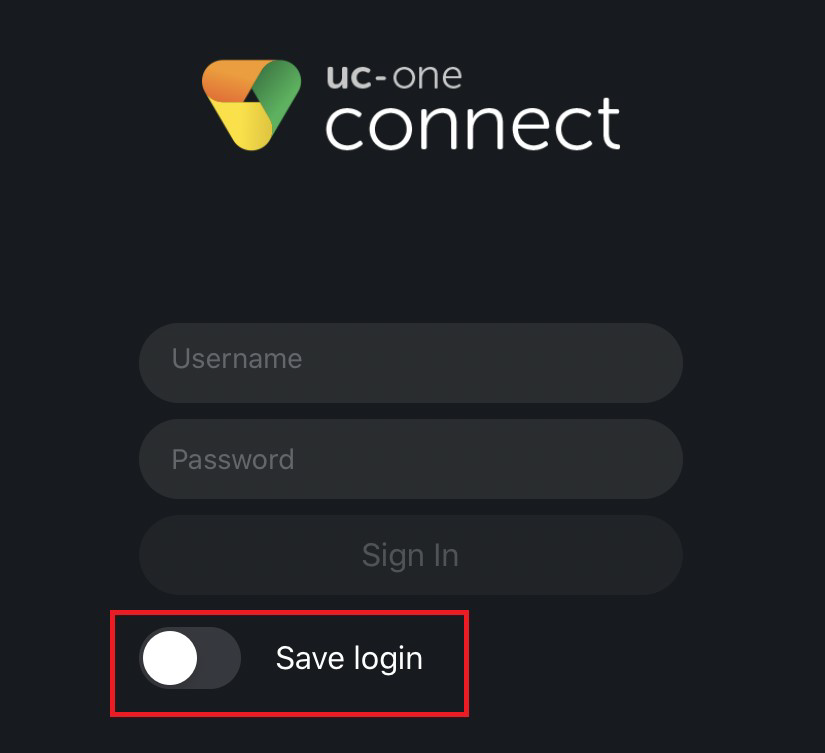
4) When prompted for your credentials, enter your username and password as provided to you from your administrator. Also select the ‘Save Login’ option:
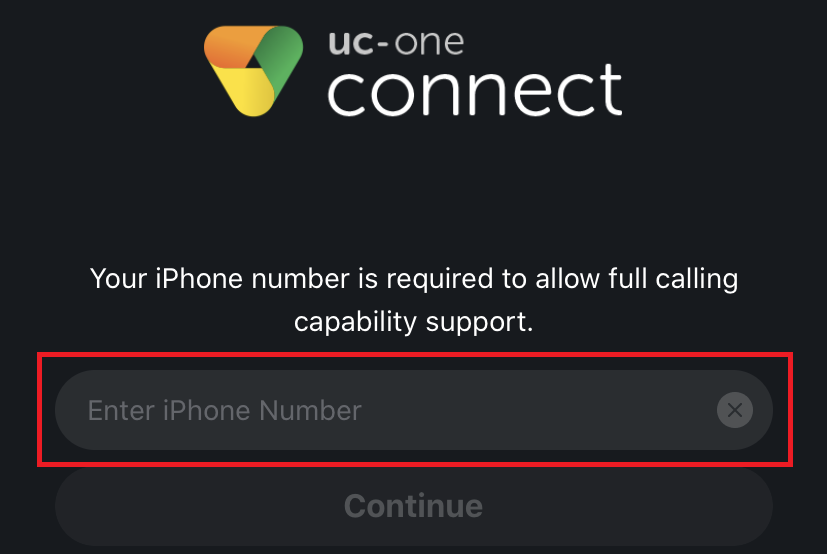
5) When prompted, enter your cellphone number:
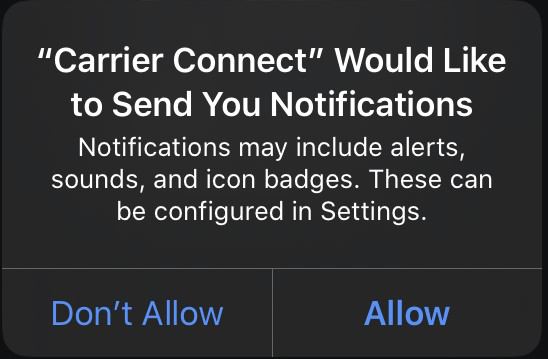
6) Four separate dialog boxes will appear requesting permission from your device. Select ‘Allow’ on each dialog box for full functionality of the app:
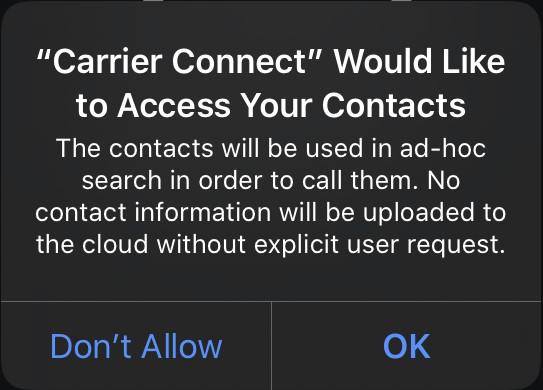
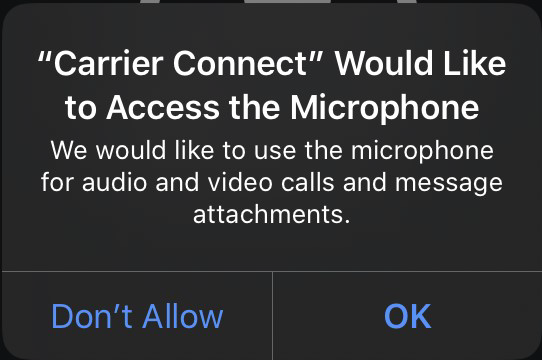
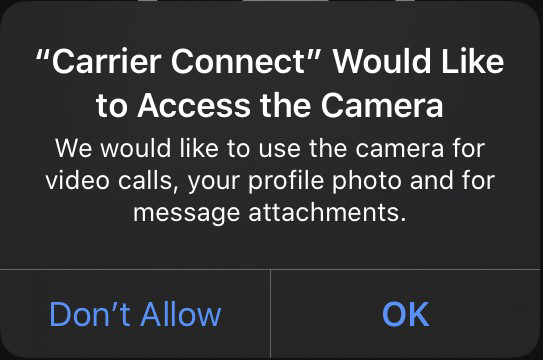
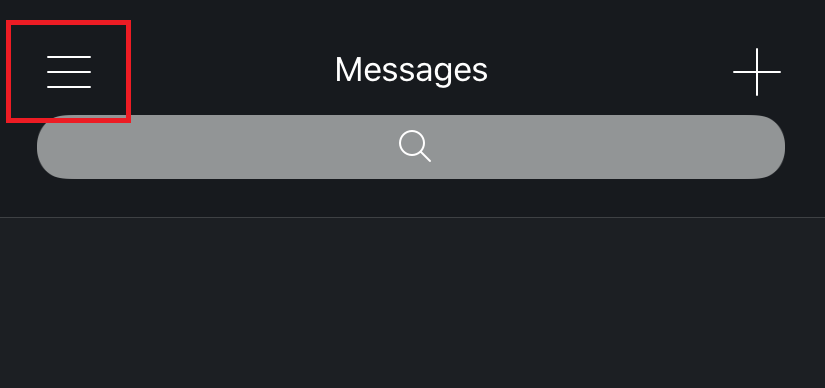
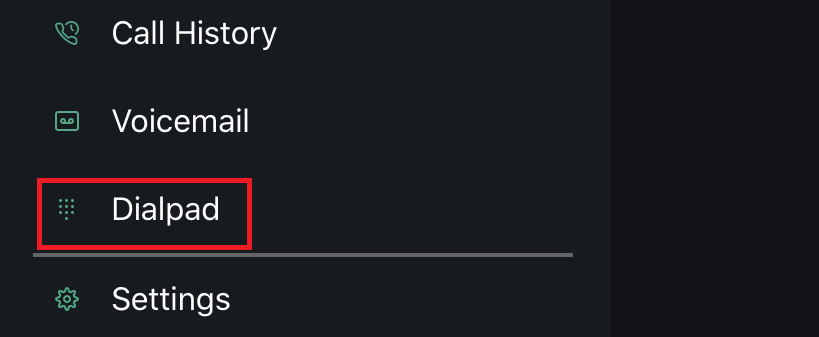
7) To access the keypad, click the 3 vertical lines in the top left corner and select the ‘Dialpad’ option:
Was this article helpful?
That’s Great!
Thank you for your feedback
Sorry! We couldn't be helpful
Thank you for your feedback
Feedback sent
We appreciate your effort and will try to fix the article