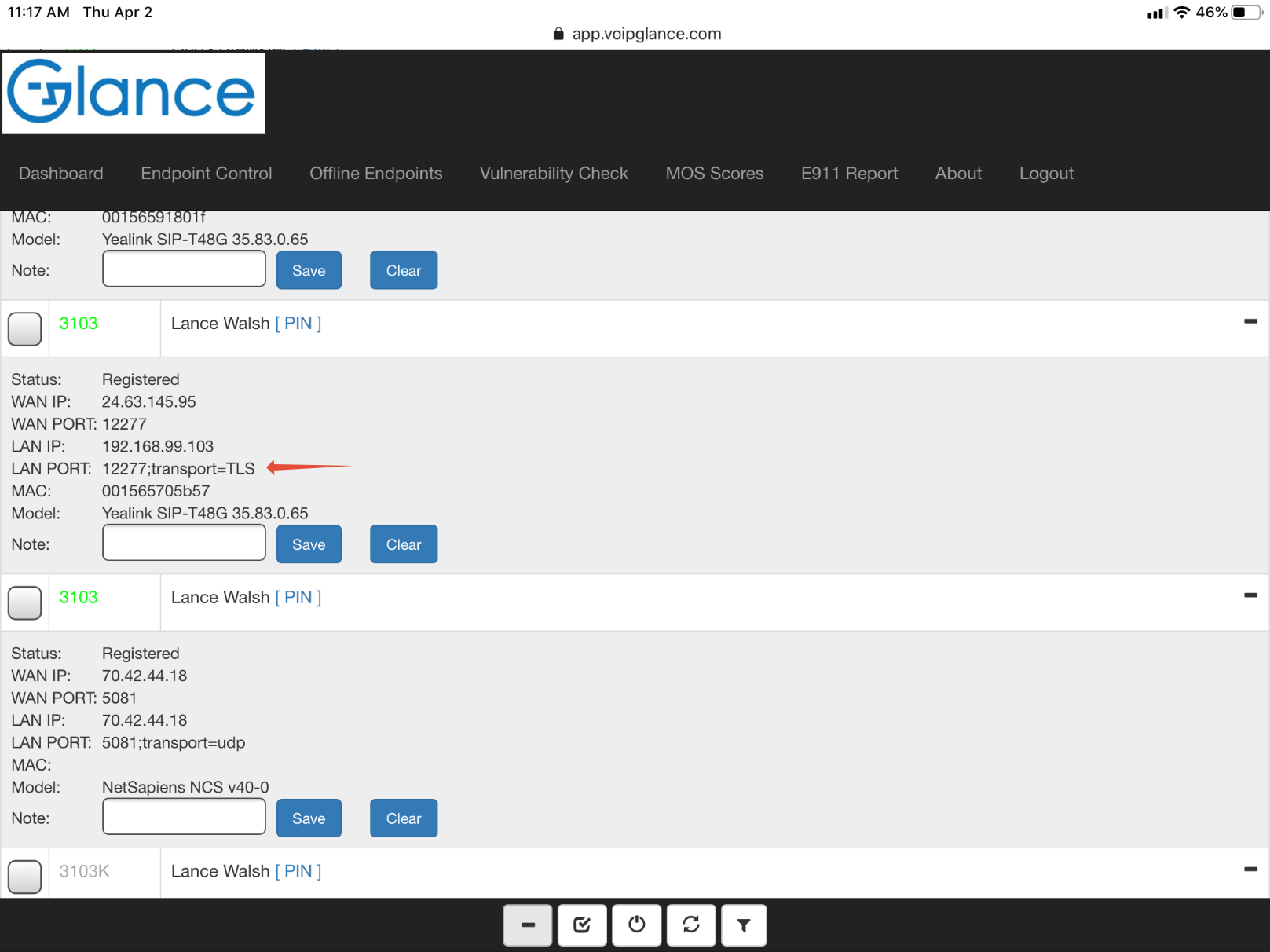
When SIP ALG and/or the ISP is blocking SIP ports such as 5060, we can pass that traffic on Yealink Phones over a TLS Secure Tunnel to the Sonictel PBX.
Since all traffic between the phone and the Sonictel PBX is over a secure tunnel, the ISP doesn't see the content of the traffic and therefore can not interfere with the connections.
Note at this time 4/2/2020 this feature (TLS) get's service on the Atlanta GA Servers.
YEALINK PHONES
Add the following two lines to the ADVANCED TAB
account.1.sip_server.1.transpo
static.security.default_ssl_me
==============NOTES=============================================
Parameter account.X.sip_server.Y.transport_type = 2
Description It configures the type of transport protocol.
Permitted Values
0-UDP
1-TCP
2-TLS
3-DNS-NAPTR, if no server port is given, the IP phone performs the DNS NAPTR and
SRV queries for the service type and port.
Default 0
Parameter static.security.default_ssl_method = 5
Description It configures the TLS version the IP phone uses to authenticate with the server.
Permitted Values
0-TLS 1.0 only
3-SSL V23 (automatic negotiation with server. The phone starts with TLS1.2 for negotiation.)
4-TLS 1.1 only
5-TLS 1.2 only
Default 3
==============NOTES=============================================
Was this article helpful?
That’s Great!
Thank you for your feedback
Sorry! We couldn't be helpful
Thank you for your feedback
Feedback sent
We appreciate your effort and will try to fix the article