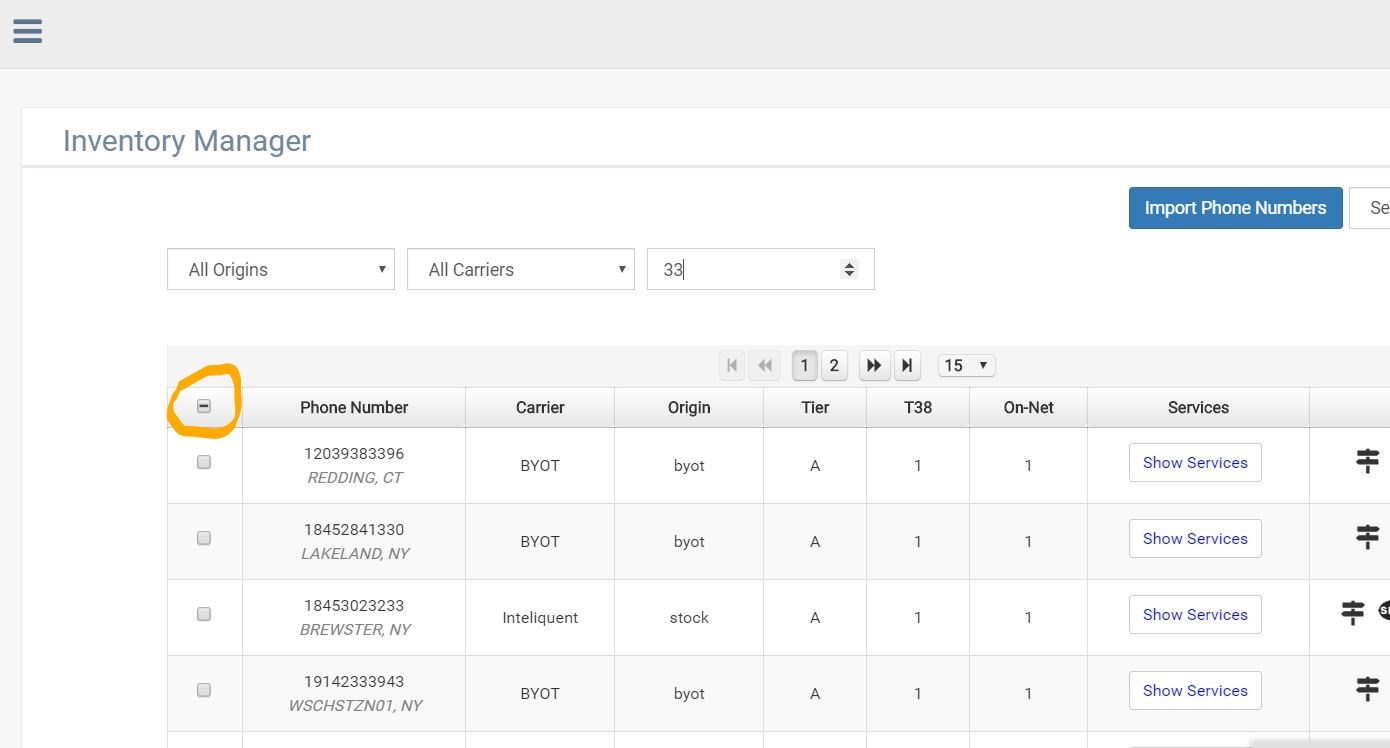
When switching through numbers in "manage DID's via the search bar, selected numbers will remain selected, as you can see in the
example below no on screen numbers are selected but there is a mark in the global box( as circled). This Indicates somewhere 1 or more
numbers are selected and will follow what ever actions you ennact.
Was this article helpful?
That’s Great!
Thank you for your feedback
Sorry! We couldn't be helpful
Thank you for your feedback
Feedback sent
We appreciate your effort and will try to fix the article