Yealink T48 WiFi Web GUI and Auto Provision
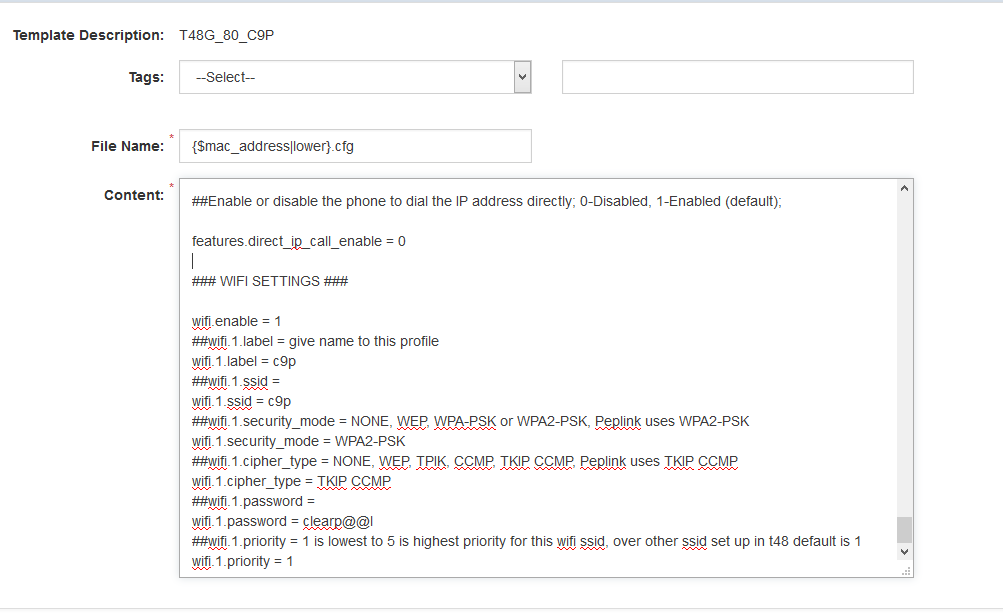
You can custom the portal template at the endpoint for each customer's WiFi settings.
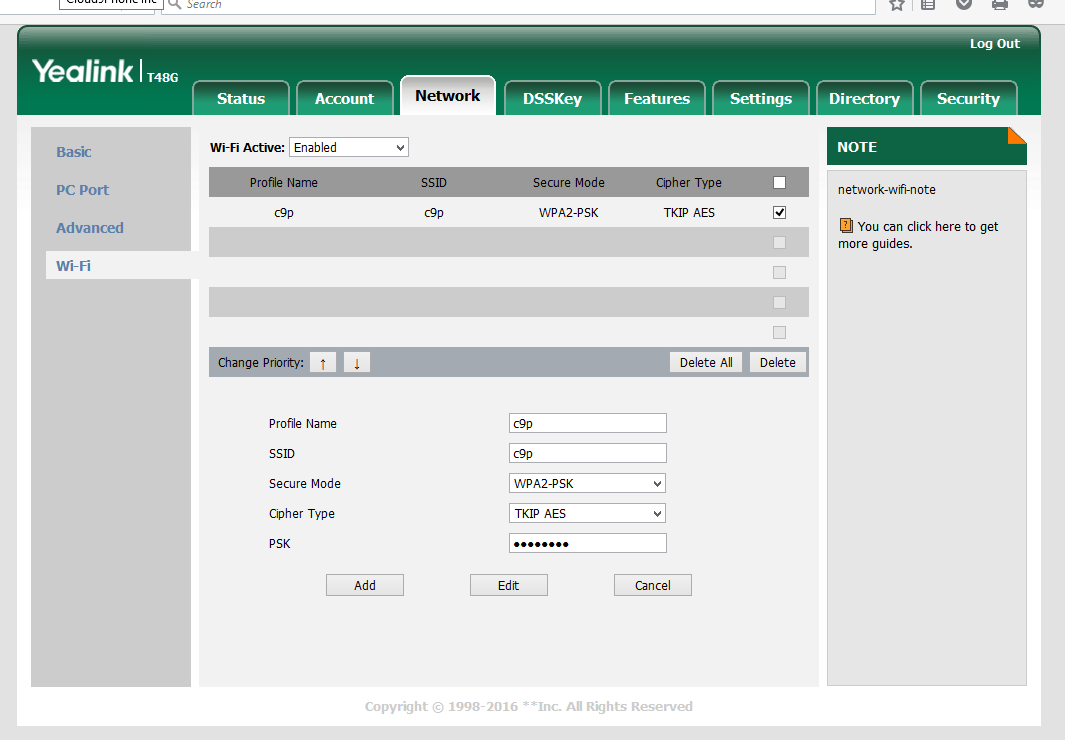
If you don't have the setting already in the template, then when you start the phone and the WiFi dongle is connected BUT there is NO Ethernet Patch Cable it will request the WiFi info to connect. If the info is already in the Portal template then it will just automatically make the connection.
NOTE: It will not even try to connect WiFi if there is a patch cable connected to the phone, so the phone has to be on a local power supply with no patch cable/No PoE.
Was this article helpful?
That’s Great!
Thank you for your feedback
Sorry! We couldn't be helpful
Thank you for your feedback
Feedback sent
We appreciate your effort and will try to fix the article