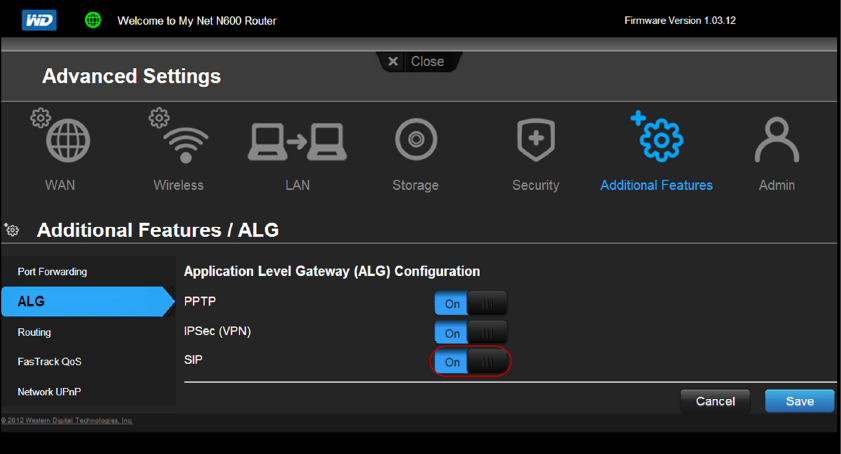
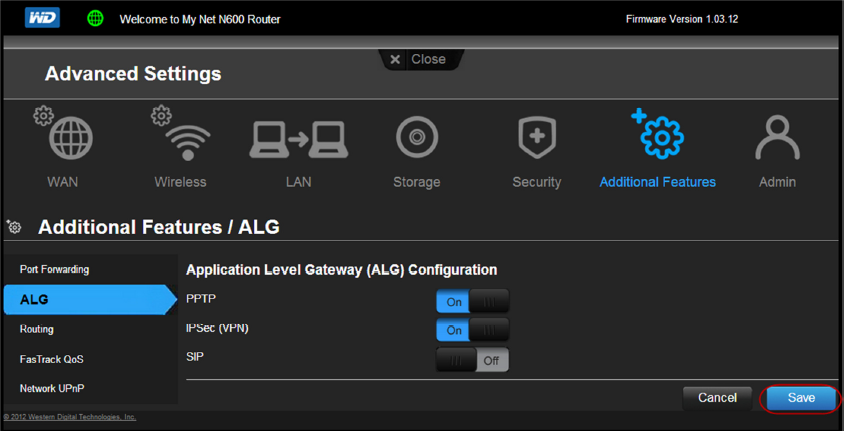
The Western Digital MyNet N600 is a wireless router that requires a few small adjustments in order to ensure the best quality of service. Please follow the instructions below to configure your Western Digital MyNet N600 for Vocalocity service.
Firmware Version: 1.02.08 | Hardware Version: D2FRouter Setup
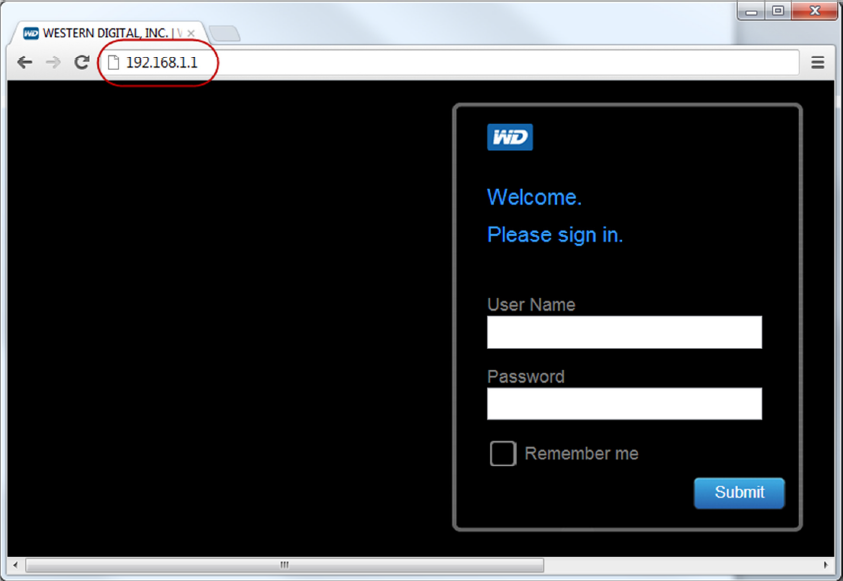
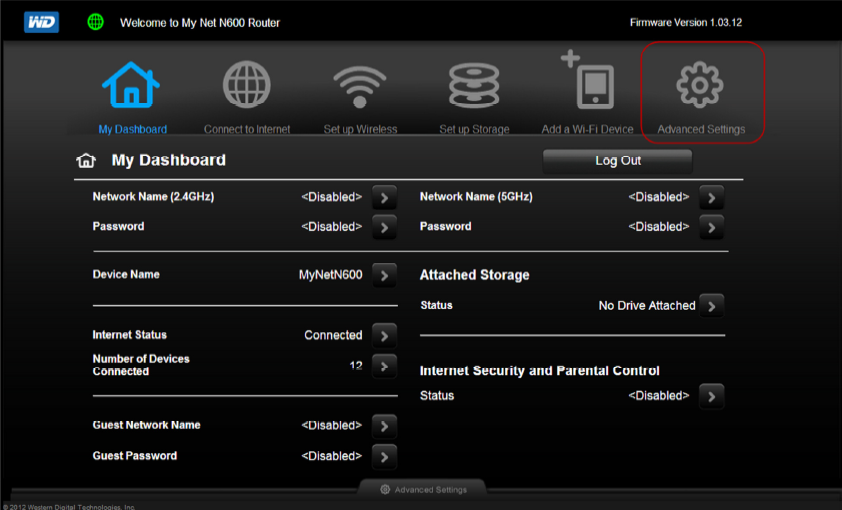
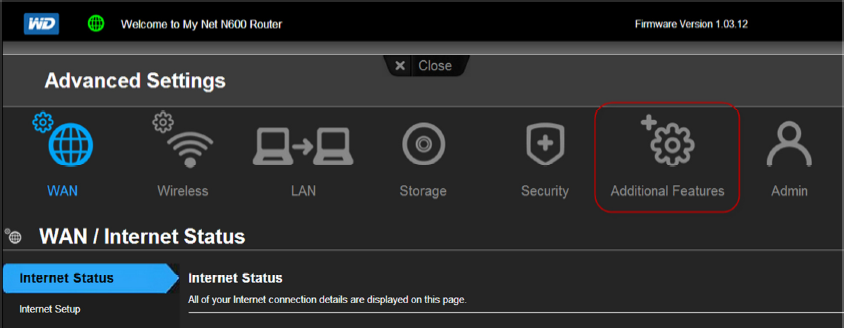
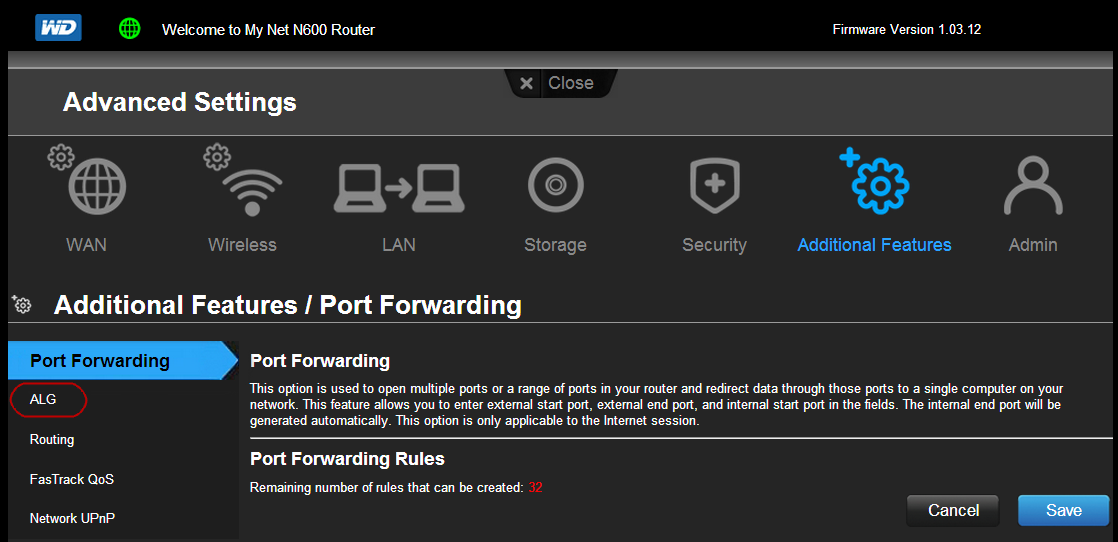
- Navigate to the routers web interface Usually at http://192.168.1.1.
- The Default Login Credentials are:Log into the Western Digital router.
- Username: admin
- Password: password
Was this article helpful?
That’s Great!
Thank you for your feedback
Sorry! We couldn't be helpful
Thank you for your feedback
Feedback sent
We appreciate your effort and will try to fix the article